Phones
by Brand
- Samsung
- HTC
- Nokia
- Apple
- Motorola
- LG
- RIM
- Palm
- Sony Ericsson
- T-Mobile
- Garmin-ASUS
- Casio
- Acer
- Pantech
- General Mobile
- ALL BRANDS
Phones
by Network
reviews · smartphones · windows mobile · samsung · michael oryl
Review of Samsung's i900 Omnia multimedia powerhouse
Review by Michael Oryl on Monday August 18, 2008.
Samsung SGH-i900 Omnia |
HTC made a big splash in the Windows Mobile world of smartphones last year when it introduced the Touch, a smartphone that was pretty much all touchscreen and was intended to be controlled with a finger. Earlier this year HTC came up big again with the Touch Diamond, adding a VGA display and a new UI to the mix. While it might be a bit late to the party, Samsung has put forth the SGH-i900 Omnia to show, in a big way, that it, too, can compete on the Windows Mobile multimedia smartphone front. With features like a 5 megapixel autofocus camera, up to 16GB of built-in storage, a built-in GPS, and automatic screen rotation, the Omnia certainly has a lot of WinMo fans drooling.
Thanks to WirelessImports.com for loaning us the Samsung Omnia used for this review.
Physical Aspects
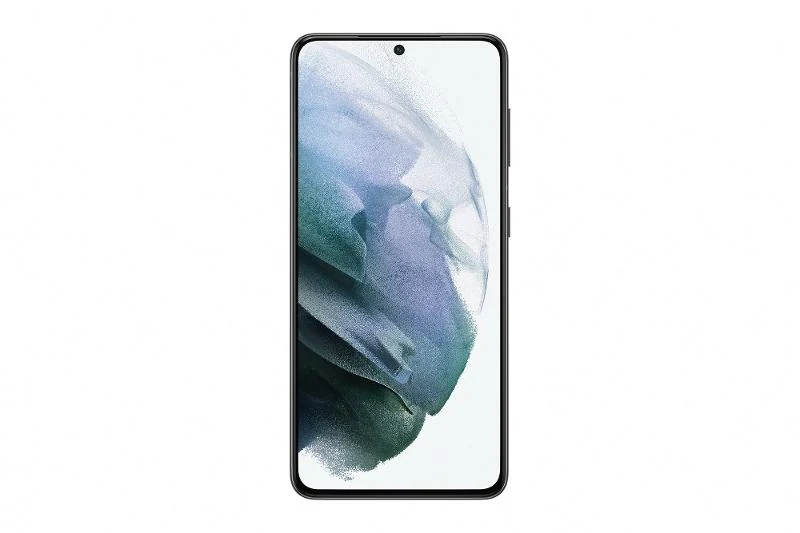
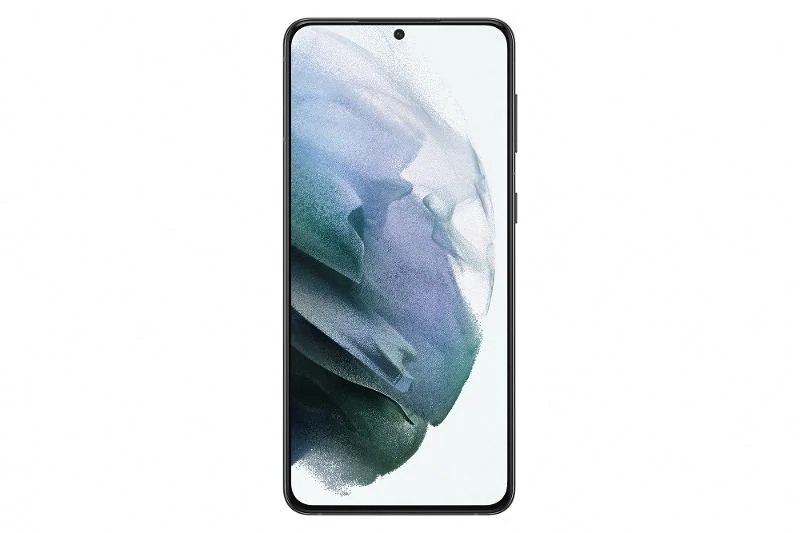
Like many similar devices, the finger touch oriented Samsung Omnia bears a simple design. The front is dominated by the 3.2" WQVGA resolution (240x400 pixel) touchscreen display. The display is flush mounted, which means that a fingerprint free screen is never more than a pants leg swipe away. Below the display one finds the call send and end keys, and the optical "mouse" directional controller, which replaces a conventional d-pad. A graphite colored chrome rim frames the front of the Omnia, and I was surprised that it stayed quite clean looking. The sides of the Omnia are made of a semi-gloss black plastic, and the back cover, which is home to the camera and flash, is made of a dark matte plastic with a brushed finish.
The only other items of note are found on the edge of the phone. The left edge is home to the Samsung power/headset/USB connector and a lanyard loop, and the right edge is where the volume, camera, and Samsung menu keys are found. A somewhat finicky power/standby button is on the top edge of the phone, next to an old-school reset button. There is no externally accessible microSD card slot, though. The microSD slot is found under the rear cover and requires that the battery be removed in order to access it. Since the Omnia has 8 or 16GB of internal storage, and a fast USB connection, that's not too much of a hassle.
The large 3.2" display is sufficiently bright for most situations, and can be set to automatically adjust its brightness based on the amount of ambient light available to save power. While a stylus is included for use with the display, it must be attached to the phone via the lanyard loop, so many people will probably prefer to do without, even though the touchscreen can seem, at times, difficult to use accurately with a fingertip or nail.
The optical mouse controller works in one of two ways. It can be used in a d-pad like fashion that lets the user swipe a finger across in one one of the four cardinal directions to move up, down, left, or right. Sometimes, but not always, a fast swipe will cause the Omnia to scroll quickly (and uncontrollably). The other mode of control is to use a real mouse pointer to control the phone, much like the red and green TrackPoint controllers found embedded in the keyboards of some Lenovo and Toshiba laptops. The mouse is surprisingly easy to use in this mode, but is of little real use other than with the Opera web browser. Regardless of the control mode that is activated, pressing on the mouse will select the currently highlighted on-screen item or button.
With a weight of 122.5g (4.3oz) and a size of 112.5mm x 57.0mm x 13.5mm (4.4" x 2.2" x .5"), the i900 Omnia is very pocketable. It feels solidly built and durable. One always has to worry what keys or coins could do to an exposed touchscreen display, but I would imagine that the Omnia will hold up reasonably well. My only gripe is that the WQVGA display makes the phone taller than it would otherwise need be, and reaching the upper right hand corner of the device, where Windows Mobile places the constantly used OK and X buttons, can be quite difficult with one hand - even for somebody with large hands.
While I am also not a huge fan of the optical mouse, I still think that Samsung has done a pretty good job with the SGH-i900 Omnia from an overall design perspective.
About the author
Michael Oryl
Michael is the Philadelphia based owner and editor-in-chief of MobileBurn.com. He also operates several other tech sites, including AndroidAuthority.com. You can follow him on Twitter as @MichaelOryl


Barry @ 8:44:04PM EST on Thursday March 5, 2009
I looked at the Omnia several times in a Verizon Store before ordering it online. At first I liked the phone but as I began using it and going through the settings, I realized the weakest features are the phone and texting.
Once you make a call the keypad locks down and you must unlock it every time you make an entry, such as if you are going through a menu to get information from the source you called. It also cannot be set to give a message alert reminder, if you miss the initial ring/alert of an incoming call or message, you will not get another audible alert/reminder. So I am having to pickup and look at the phone for alerts if I have set it down for any period.
When texting the inbox could only keep one message after reading. The autocorrect had to be turned off because the phone sometimes forced you to take the spelling it suggested, even if it was the wrong word. The autosuggest for words often insert the suggested word in the middle of the word you were entering, causing me to have to go back and delete the last letters of the word I had already entered.
As things go, Verizon overcharged me for the phone, they say the only way to correct the problem is for me to return the phone and repurchase it at the corrected price…what a mess. I will not be “repurchasing” a Samsung Omnia.
However the camera feature was nice. It had lots of flexibility, took nice images, and is a 5-mega pixel camera with a built in flash!
Something to note, to remove the memory card, you must turn off the phone, remove the back, and then remove the battery to access the memory card. Since the Omnia comes preloaded with so much software, the internal memory does not have much room for photos, music, and other applications….so a memory card is highly recommended.
At times it seems to get overloaded and needs time to catch up. Oddly enough the settings have choices the Omnia will not accept, the settings list different types of keyboards, but the Omnia will only allow you to choose one of them…the Samsung Keyboard.
Lola @ 7:01:17AM EDT on Friday April 3, 2009
hey .. I have this mobile too.. but I want to know how can I make the screen like yours?? Mouse.. Phonebook.. etc etc.. so please write me back.. and tell me how can I make the same job ! ! !.. Bye bye
Matt @ 1:54:53PM EDT on Thursday April 23, 2009
I purchased my first Pocket PC in 2002, the Toshiba E330, my second in 2004, the Dell Axim v51, however my first WM Phone was the Palm Treo 700wx, which I still have and use. People knock the WM system, yet I was watching movies on my Dell Axim 4 years ago, something that everyone raves the iphone can do. The amount of applications for the WM OS was staggering as well and helped me in many ways and I had a lot of money invested in these software programs and so I was highly considering the Samsung Omnia, by far, from a hardware perspective, it kicks butt over the iphone, however that being said the one thing that has stopped in my tracks is the lack of a 3.5 mm headphone jack. Samsung really dropped the ball here. You see, I've had a Palm Treo 700wx for the last 2.5 years and have had to carry around an annoying adapter to listen to my music or plug into my car stereo. This has been annoying and I've lost it twice. I'm not sure why the phone manufacturers are coming out with there "own" connections, perhaps to make more money on the accessory? Samsung should have taken a lesson from Apple and placed a 3.5 mm jack in the phone as this is one of the reasons that Apple has such a large market share in the Mobile phone industry. Hence, I won't be purchasing the Omnia, but will wait for something better, and perhaps migrate to the rumored new iphone this June.
Scott @ 12:33:02PM EDT on Saturday October 31, 2009
Worst phone I have ever had. None of the apps work as they should. The internet SUCKSSSSSSSSSSSSSSSSs on this piece of crap phone. Getting it was the biggest mistake I've made in years. I soooooo miss my Blackberry!
lyn @ 6:55:00AM EST on Thursday November 12, 2009
i have had this phone for a year now and i love it! but the samsung theme, you sead on you tube you had it in theme 1... all mine dose is change colour and when you go to beam it nothing happends... could u help me please!!??