
MobileBurn / reviews
Phone reviews built from checked evidence
Independent MobileBurn phone reviews with verified specifications, clear strengths, ownership trade-offs, and practical buying advice.
Start here
How to read our phone reviews
Start with the verdict and intended buyer, then read the sections that match your priorities. Every review connects the verified device record with clear MobileBurn analysis.
Every review receives a final editorial check for accuracy, clarity, structure, links, metadata, and buying guidance.
What you will learn
- Specifications and material findings are checked before publication.
- Strengths and limitations are explained in the context that can change the result.
- Older phones are judged in their launch context as well as for the risks of buying one now.
Browse by intent
Phone reviews built from checked evidence topic clusters
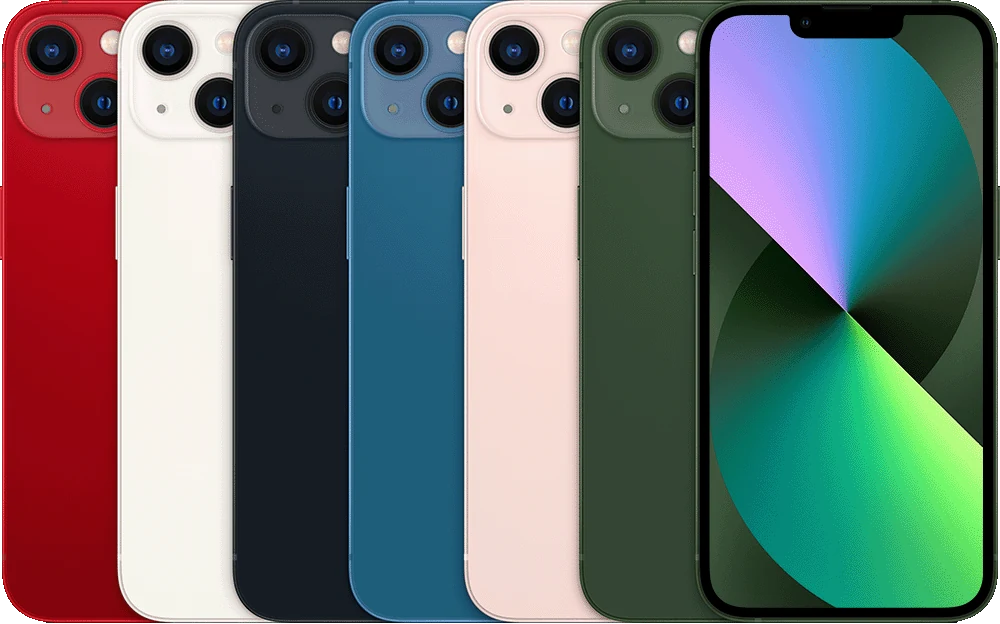
Review and comparison topicsBrowse the complete review and comparison knowledge cluster.Smartphone reviewsBuying advice across Android phones and iPhones.iPhone reviewsCompare iPhone cameras, support, prices, and alternatives.How MobileBurn reviews phonesSee the evidence and publication requirements behind every review.
Compared on one scale
Phones in the Phone reviews built from checked evidence review hub


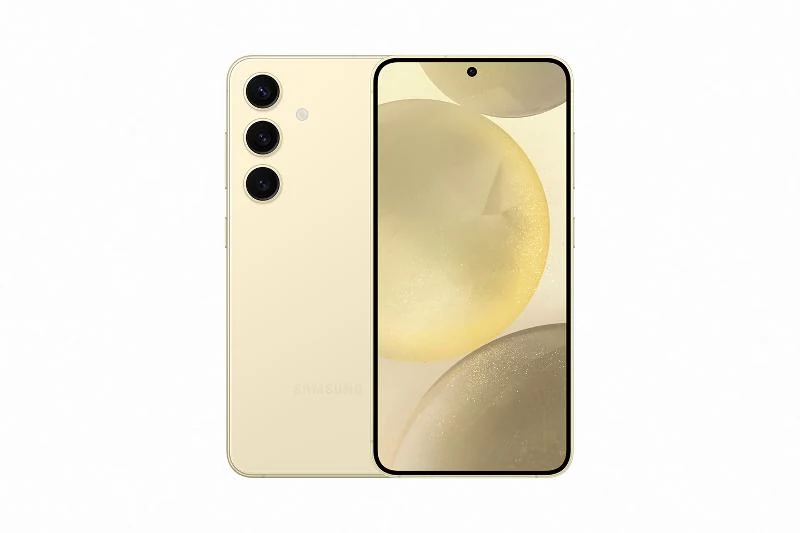
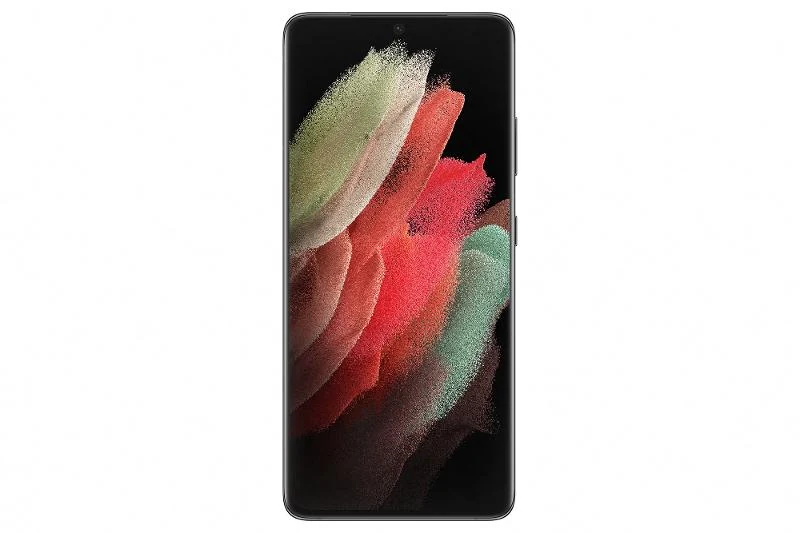
Galaxy S · 2026
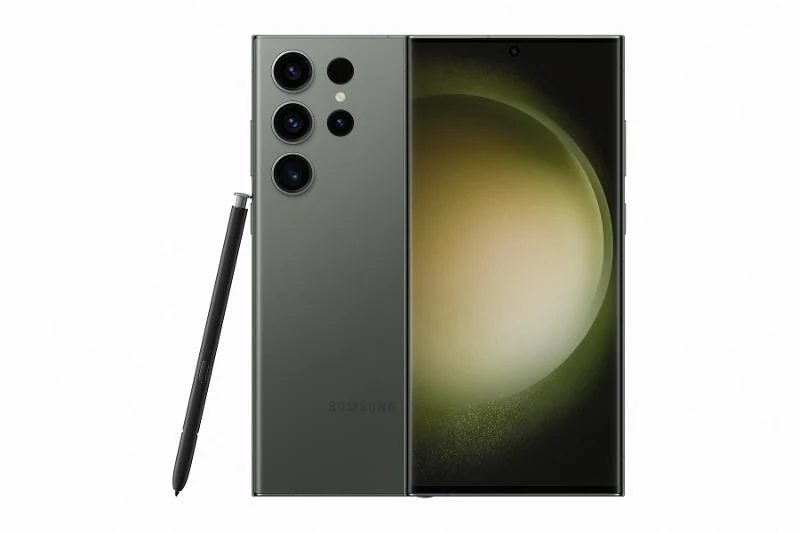
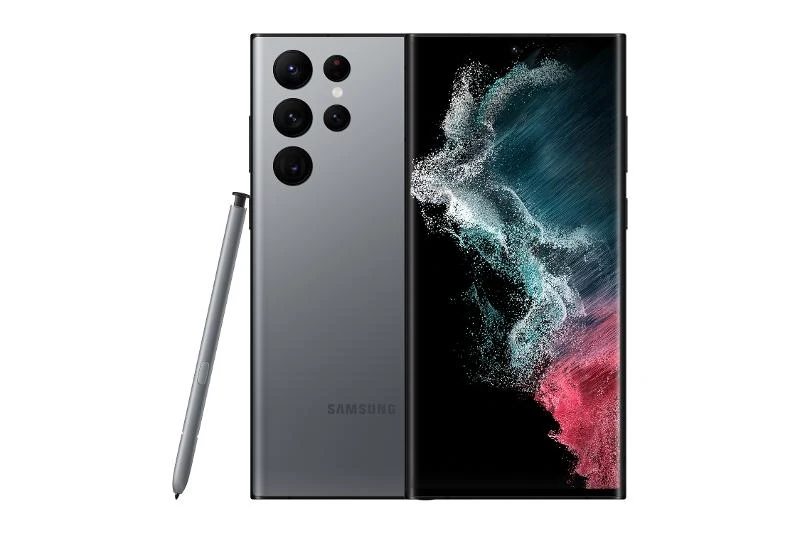
Galaxy S26 Ultra
6.9-inch QHD+ Dynamic AMOLED 2X, 120Hz · Snapdragon 8 Elite Gen 5 for Galaxy

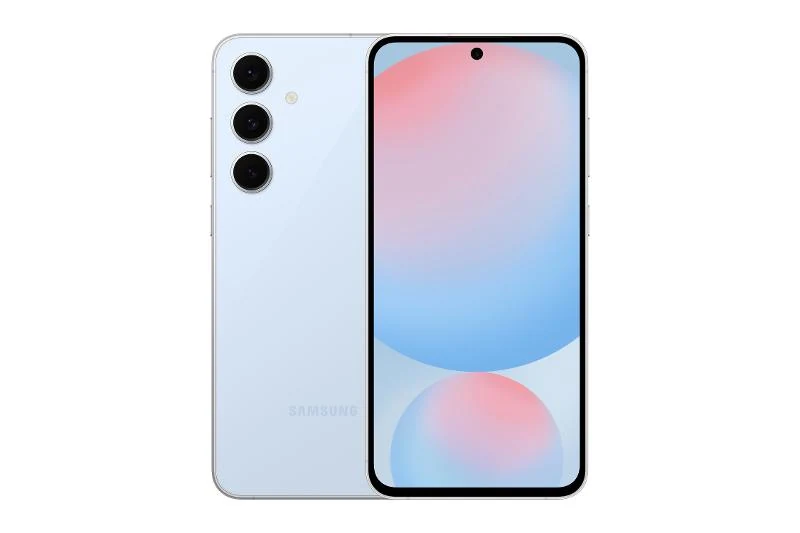
Galaxy S · 2026
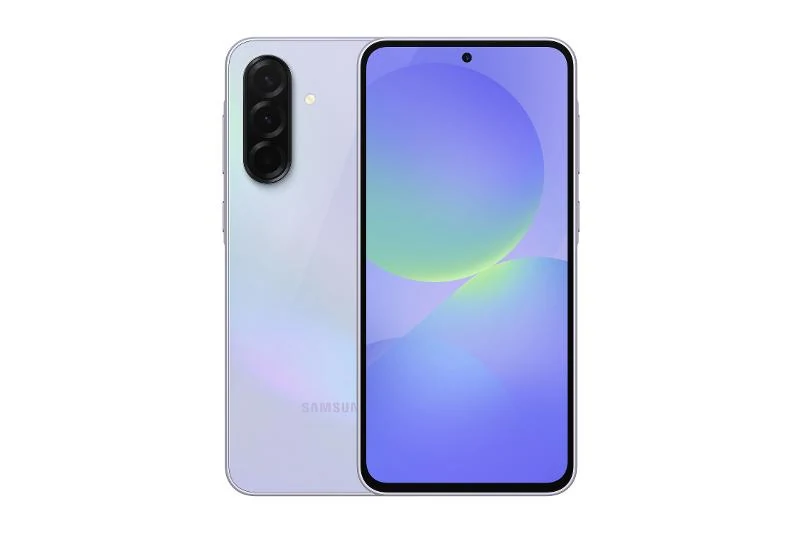
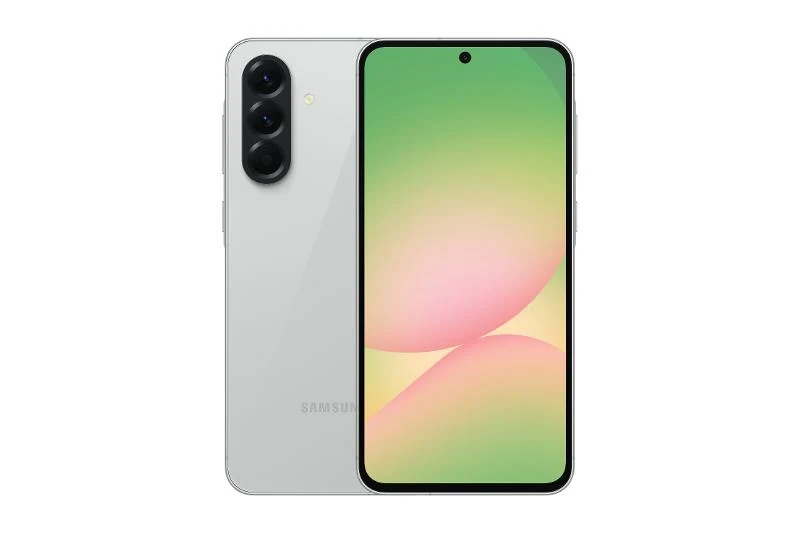
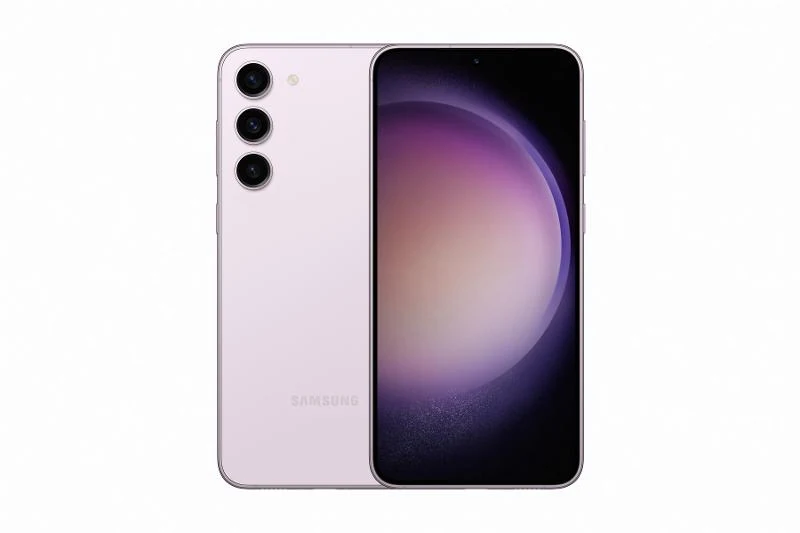
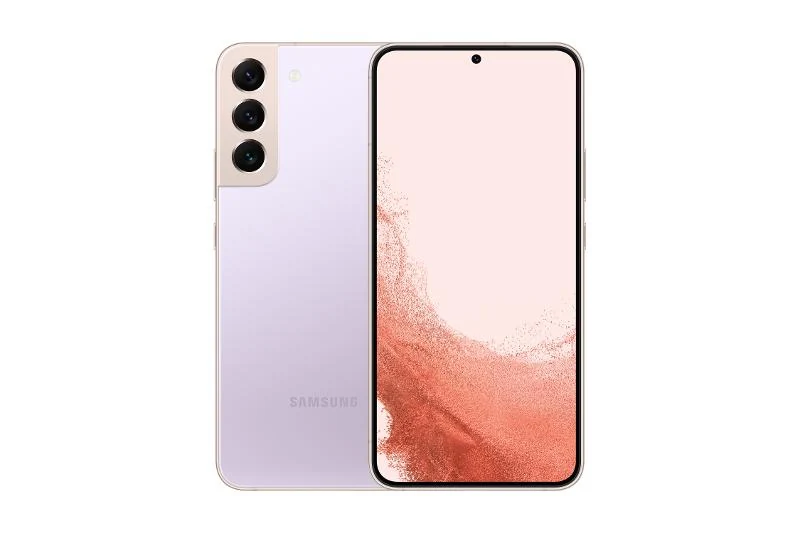
Galaxy S26+
6.7-inch QHD+ Dynamic AMOLED 2X, 120Hz · Snapdragon 8 Elite Gen 5 / Exynos 2600





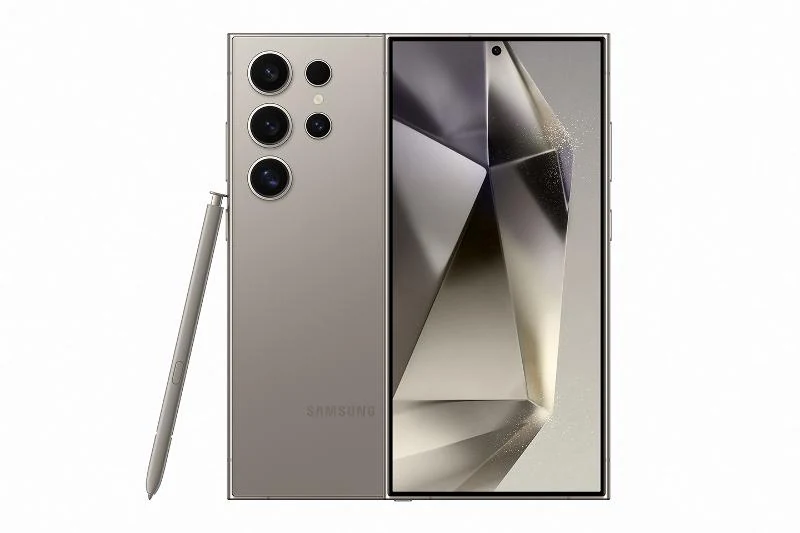
Galaxy S · 2025
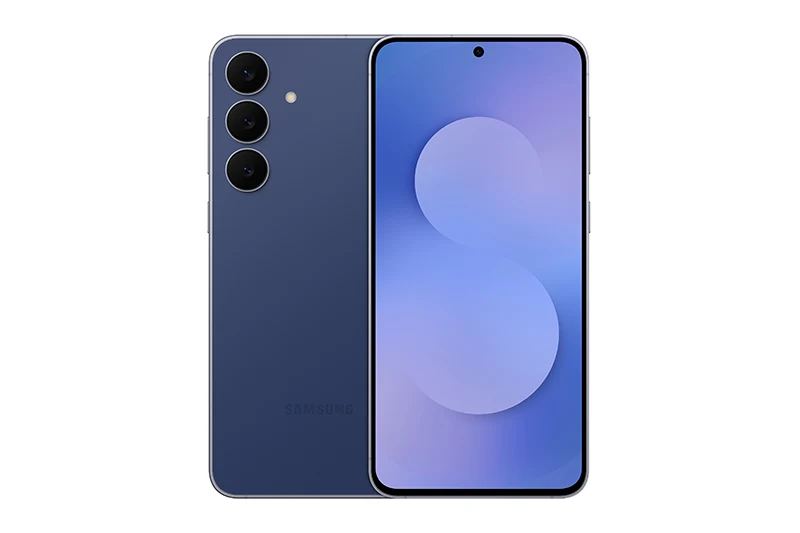
Galaxy S25 Edge
6.7-inch QHD+ Dynamic AMOLED 2X, 120Hz · Snapdragon 8 Elite for Galaxy


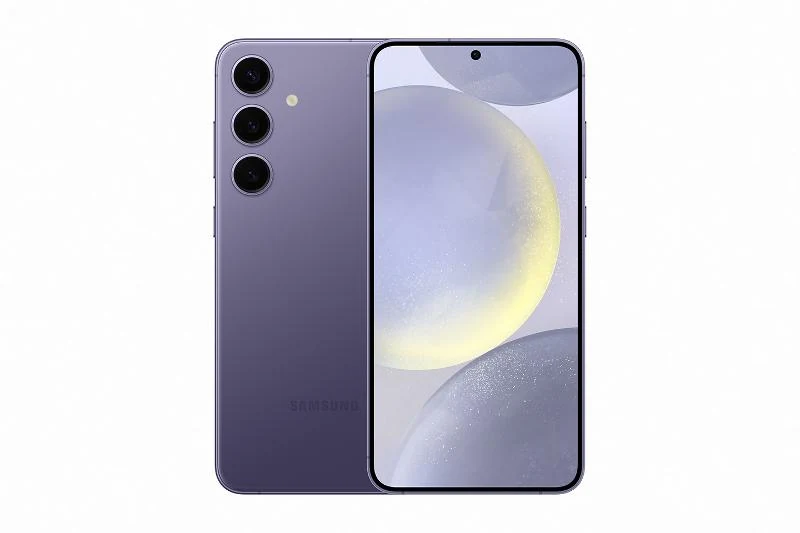
Big-screen flagship
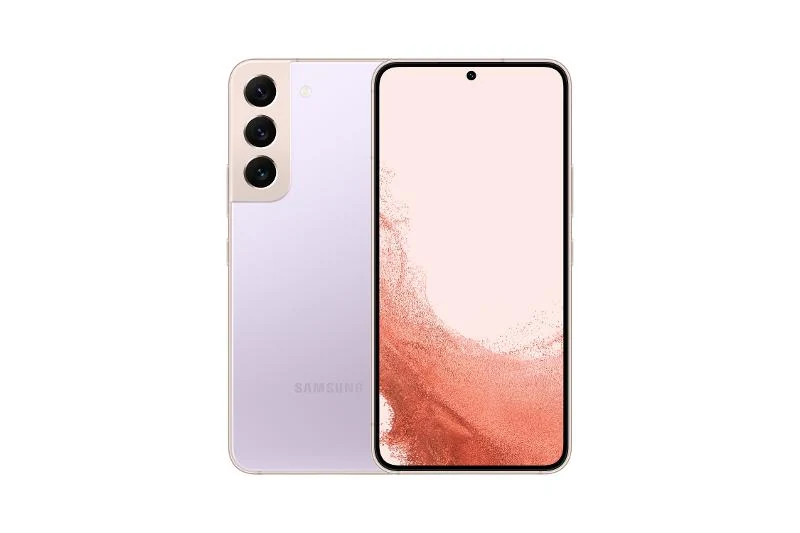
Galaxy S25+
6.7-inch QHD+ Dynamic AMOLED 2X, 120Hz · Snapdragon 8 Elite for Galaxy



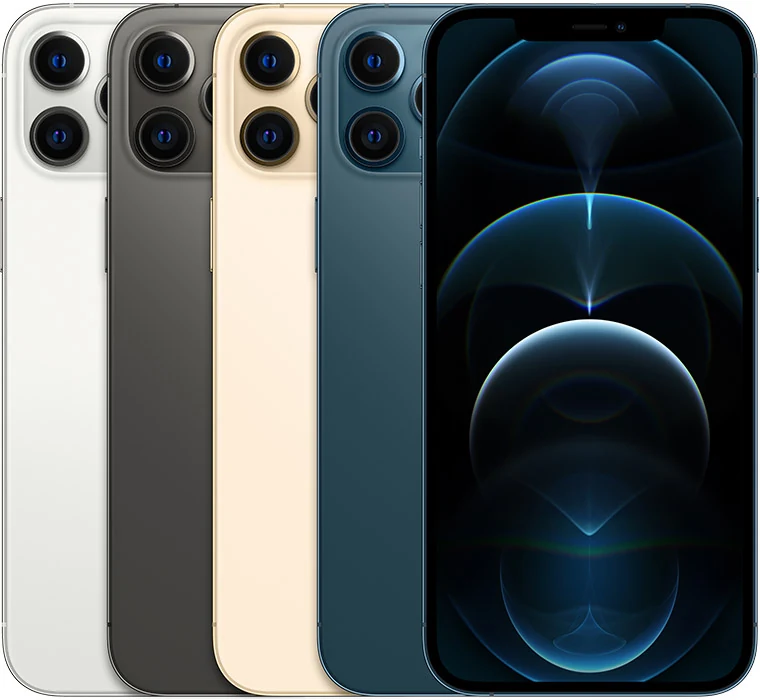
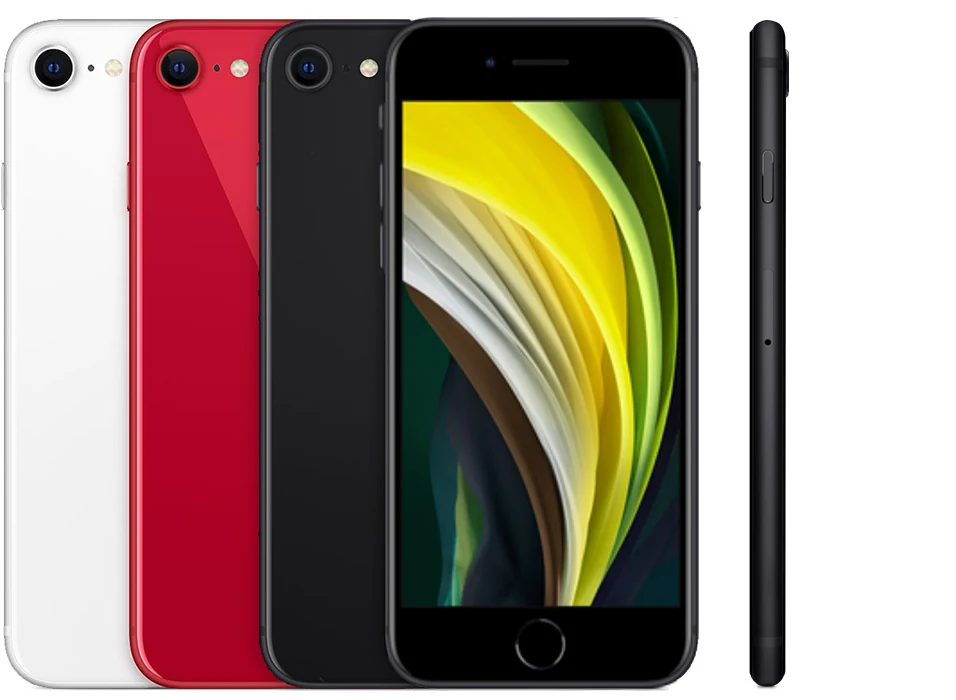
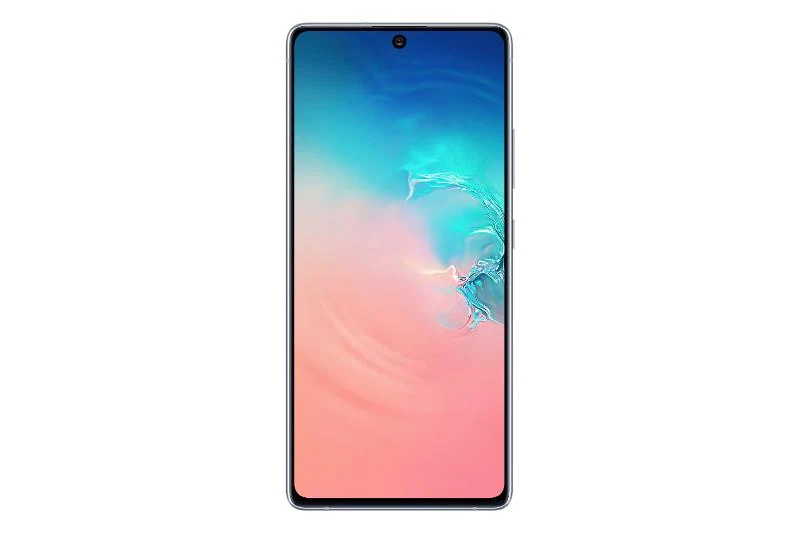

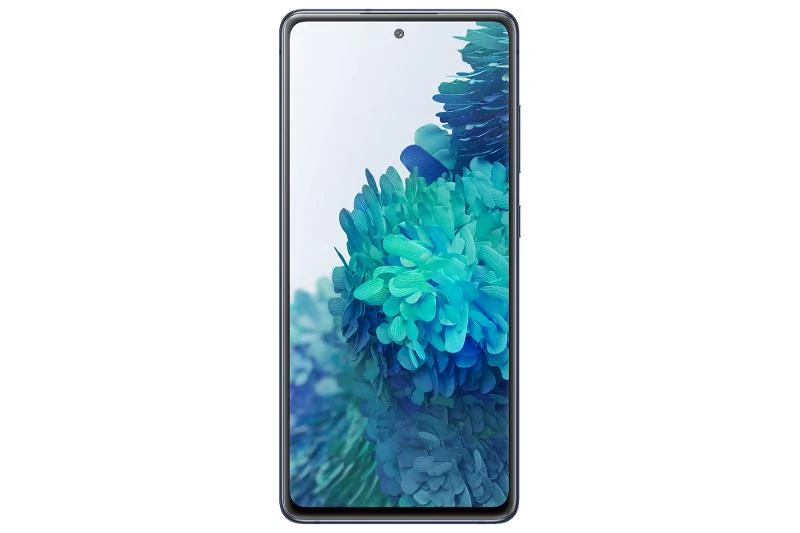
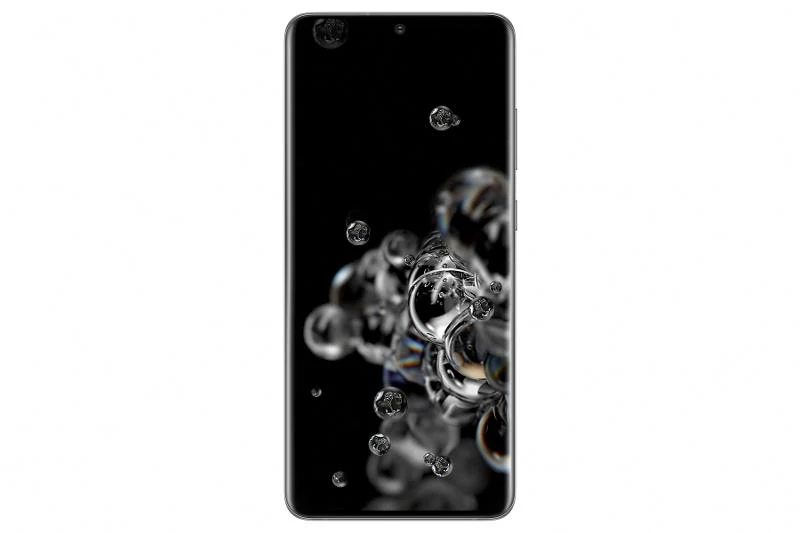

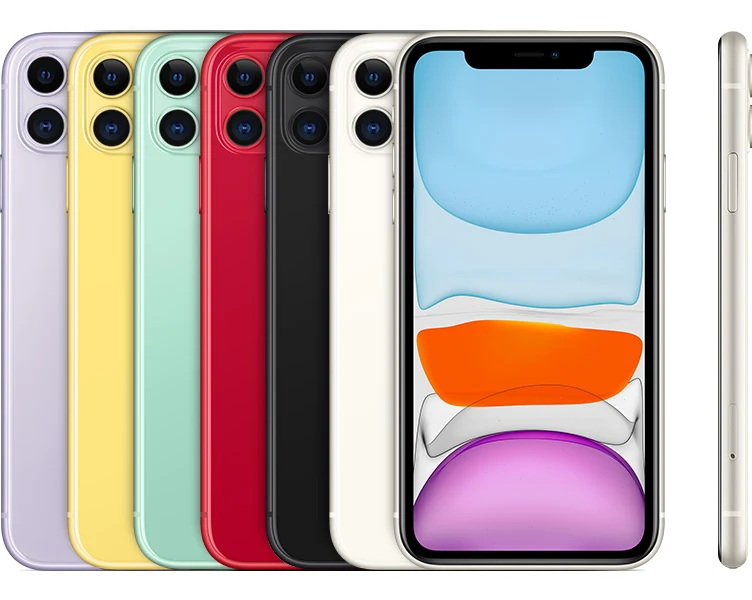
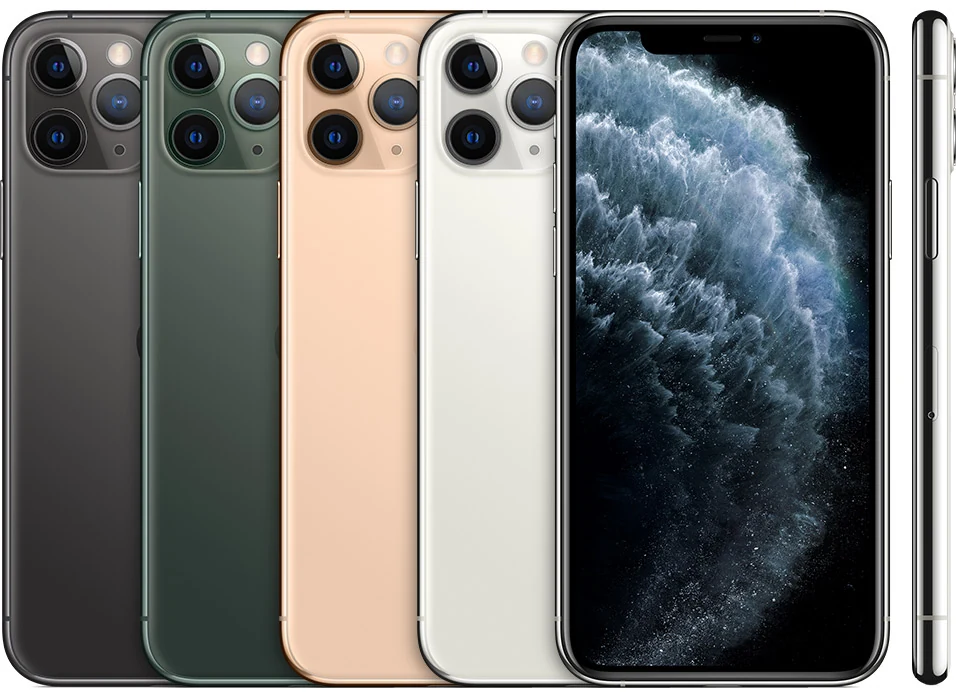
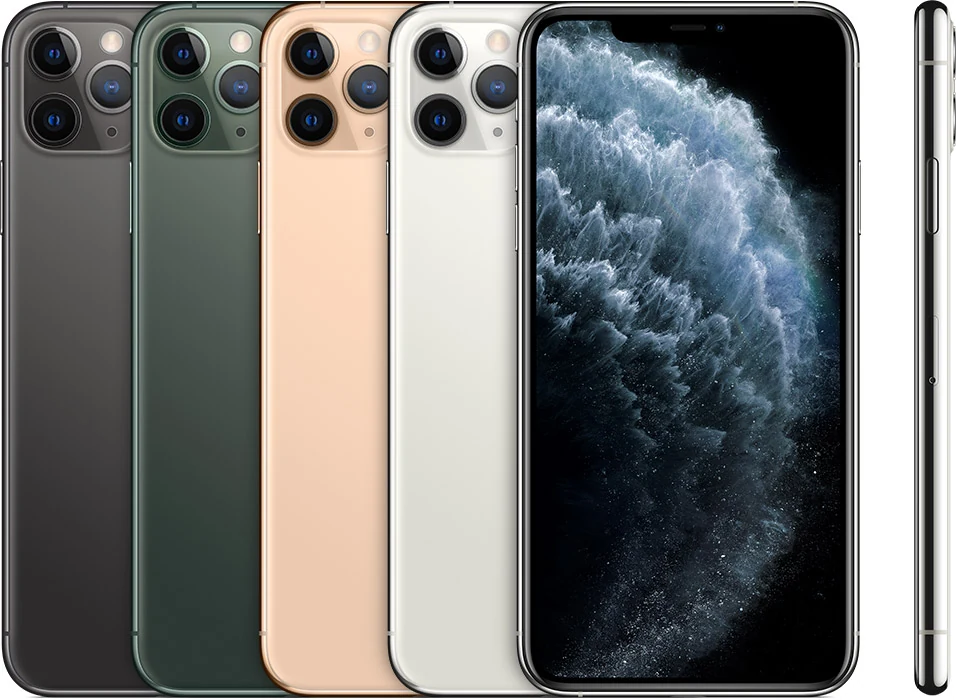

Editor selected
Featured evidence and analysis for Phone reviews built from checked evidence
 Analysis
Battery Guide
A battery number is not battery life: How to judge the whole day
Phone battery life depends on capacity, modem efficiency, display behavior, signal, and standby drain. This evidence framework shows what to compare.
 Guide
Guide
Buying Guide
The best compact phones are practical again
Small does not have to mean compromised. These are the models that still fit a hand and deliver flagship fundamentals.
 Explainer
Camera School
Why 200 megapixels can still lose to 50
Phone camera megapixels cannot judge the final photo. Sensor area, optics, exposure, processing, and motion handling matter more.
Quick answers
Phone reviews built from checked evidence questions
How does MobileBurn keep archived phone reviews useful?
Editors verify the device record and explain the phone in both its launch context and today's ownership context, including support, battery age, repair access, and compatibility.
Why do these phone reviews have no numeric score?
One score can hide the differences that matter to each buyer. MobileBurn uses a written verdict, strengths, limits, and practical buying guidance.
How does MobileBurn check an older phone review?
The review keeps the phone in its launch context, then checks today's risks such as software support, network access, battery age, repairs, and app compatibility.
Where can I compare two reviewed phones?
Open the phone comparison tool for specifications and support fields side by side, then read each full record for the trade-offs behind those numbers.